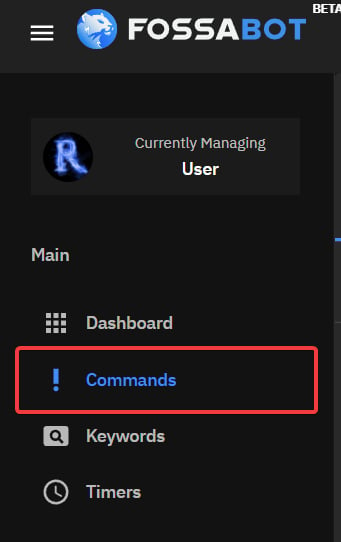

Creating a Simple Command
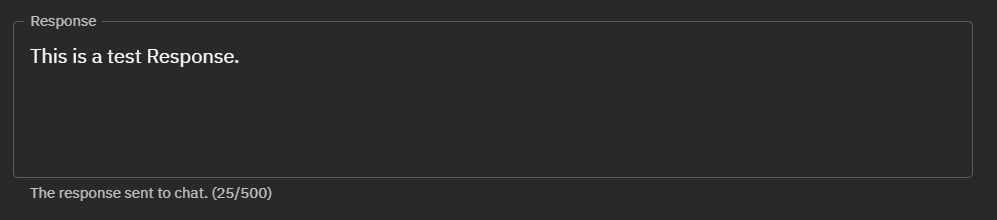
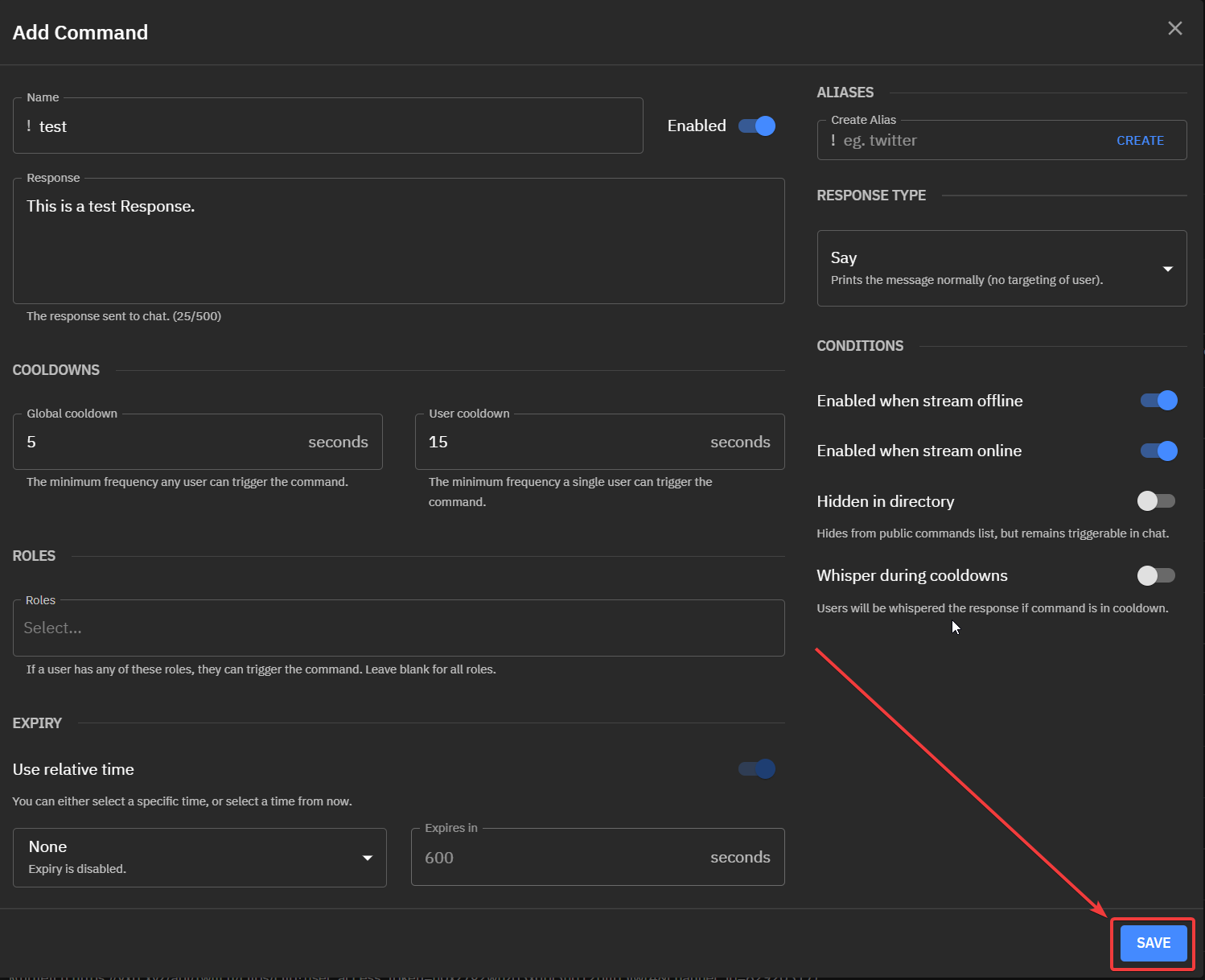
Start by adding the command name. This is the command that will be used in chat:
Cooldowns
Cooldowns are essential to controlling how often a command is used and to avoid spam in chat.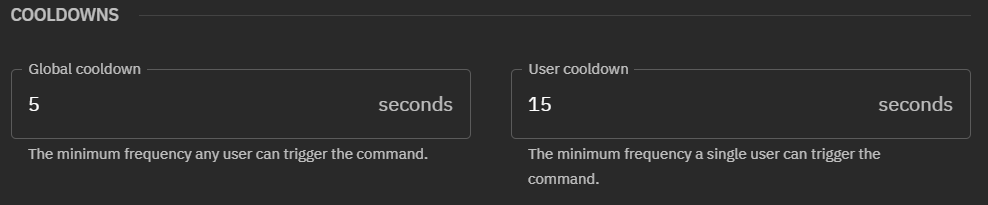
Global Cooldowns
Global cooldowns are the minimum frequency a command can be triggered by any user in chat. If a single user triggers a command, the entire chat must wait until the cooldown is over until this command can be triggered again.User Cooldowns
User Cooldowns are the minimum frequency a single user trigger a command. If User-A triggers a command they must wait X amount of seconds before they can trigger the command again. User-B can still trigger the command.Aliases
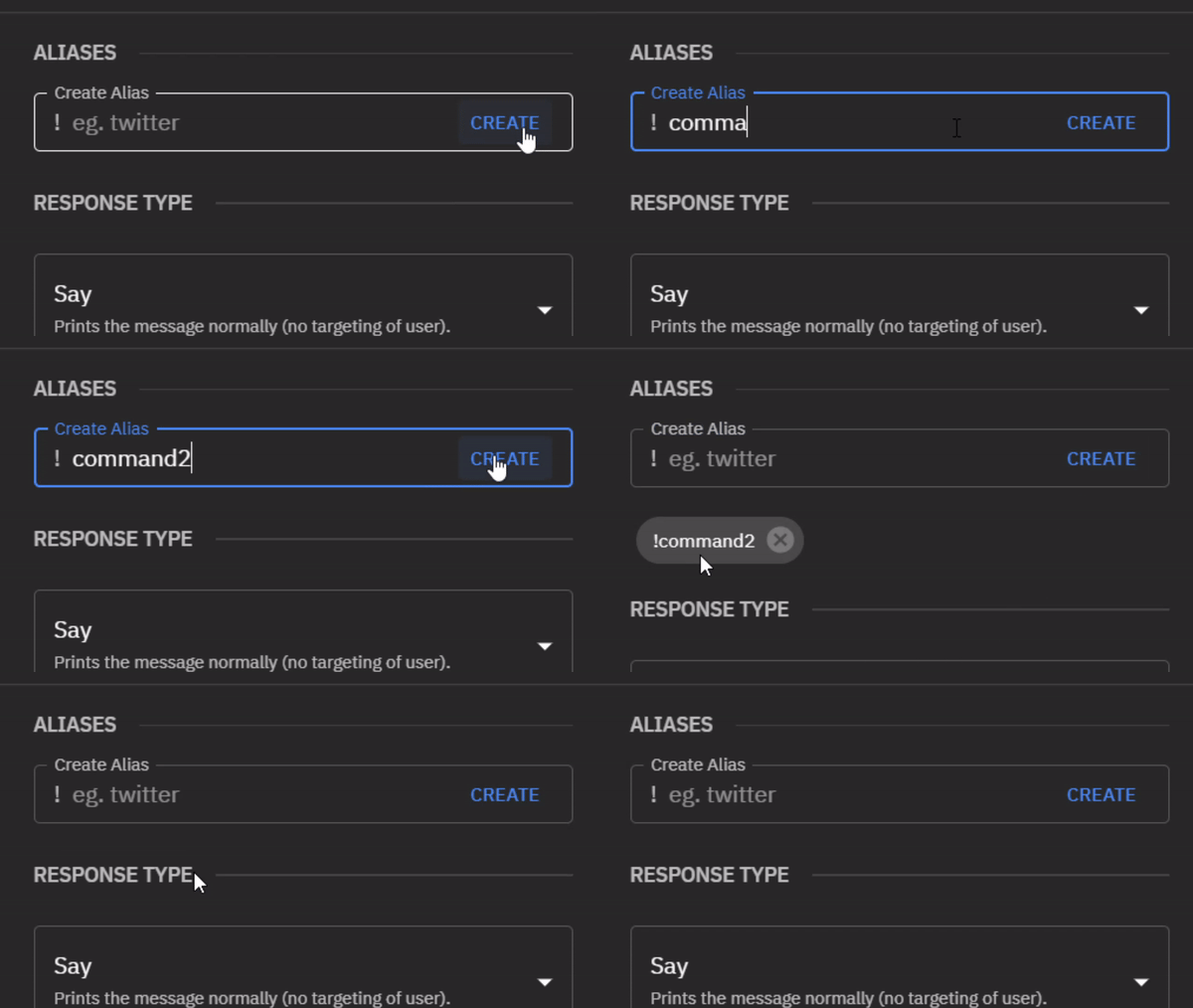
A command alias is used to add another command name without creating a new custom command.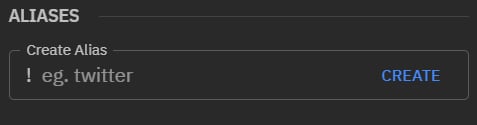
Response Type
Response type defines how Fossabot answers commands. Fossabot has 4 response types, Say, Mention, Reply, and Whisper.Say
Say will print the command response normally in chat: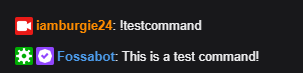
Mention
Mention will Mention the user in the command response: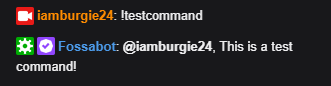
Reply
Reply uses Twitch’s chat reply feature to send the command response.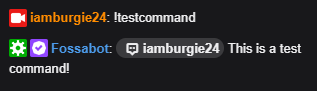
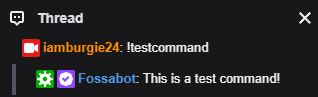
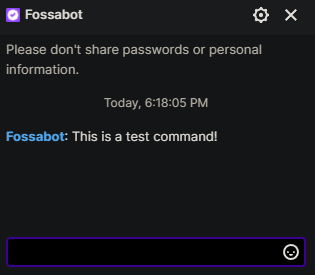
Whisper
Whisper will send the user a direct message with the command response.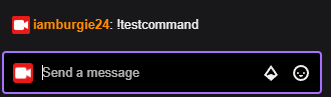
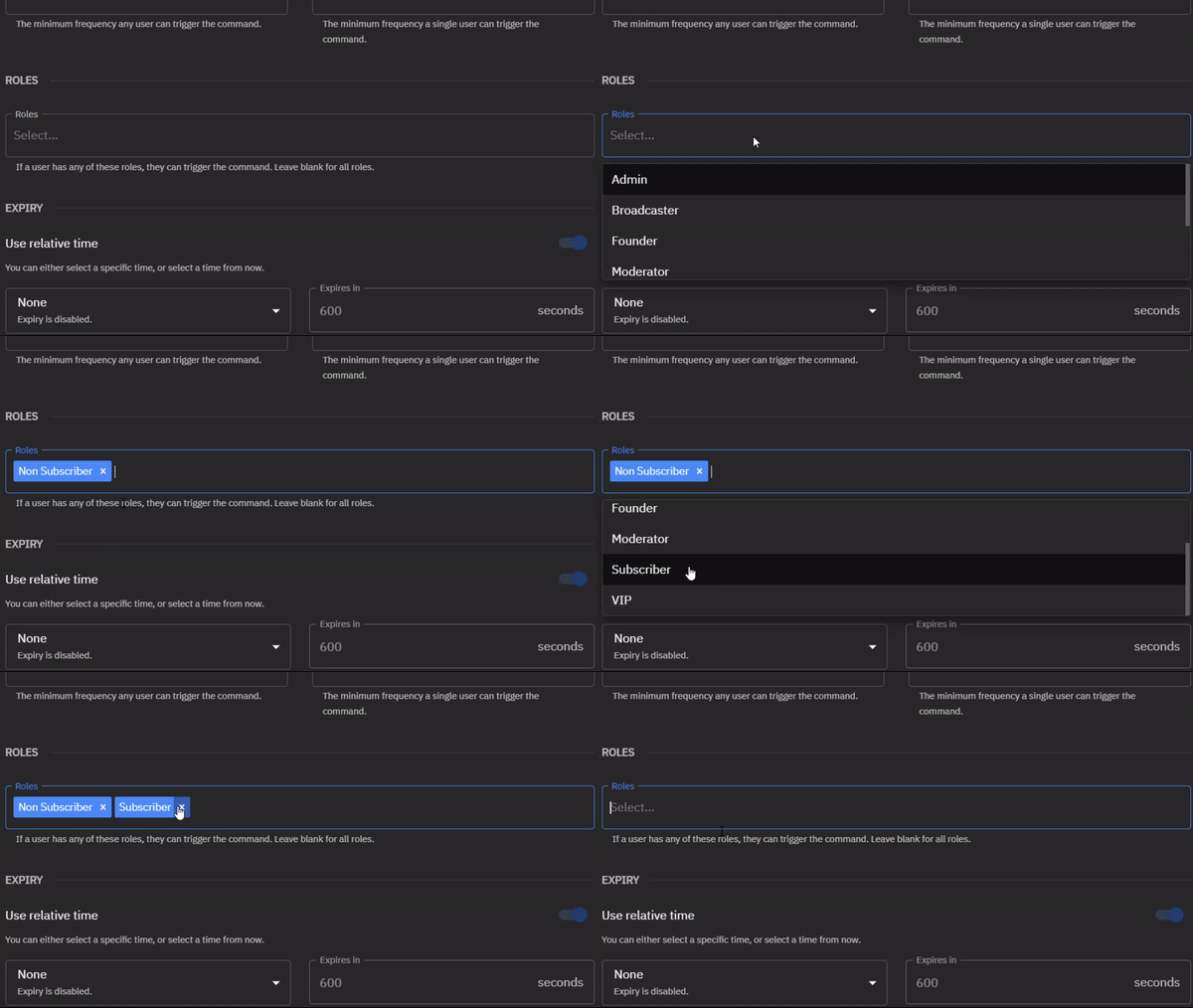
Roles
Roles allow you to set who can trigger a command. Select one or more role from the dropdown menu that will be able to trigger a command.If no roles are selected, the command is triggerable by all users
Conditions
Conditions are options that affect how the command may work.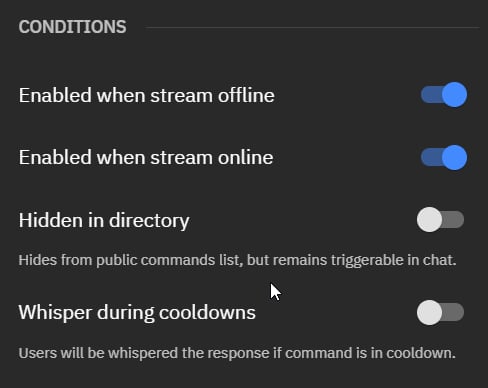
Enabled when stream offline
This toggle changes if this command is triggerable while the stream is offline.Enabled when stream online
This toggle changes if this command is triggerable while the stream is online.Hidden in directory
Removes command from public command list. Command is still triggerable in chat.Whisper during cooldowns
If the command is on cooldown, The user will be whispered with the response.Expiry
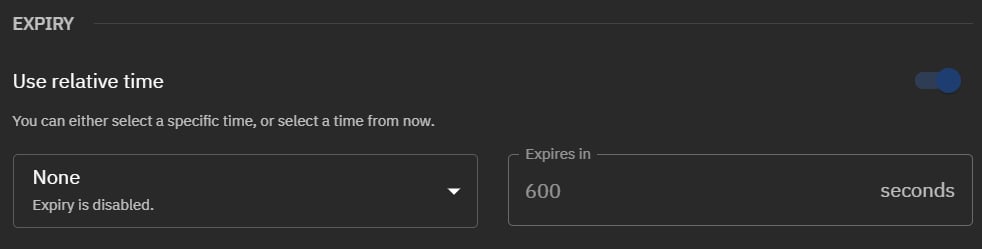
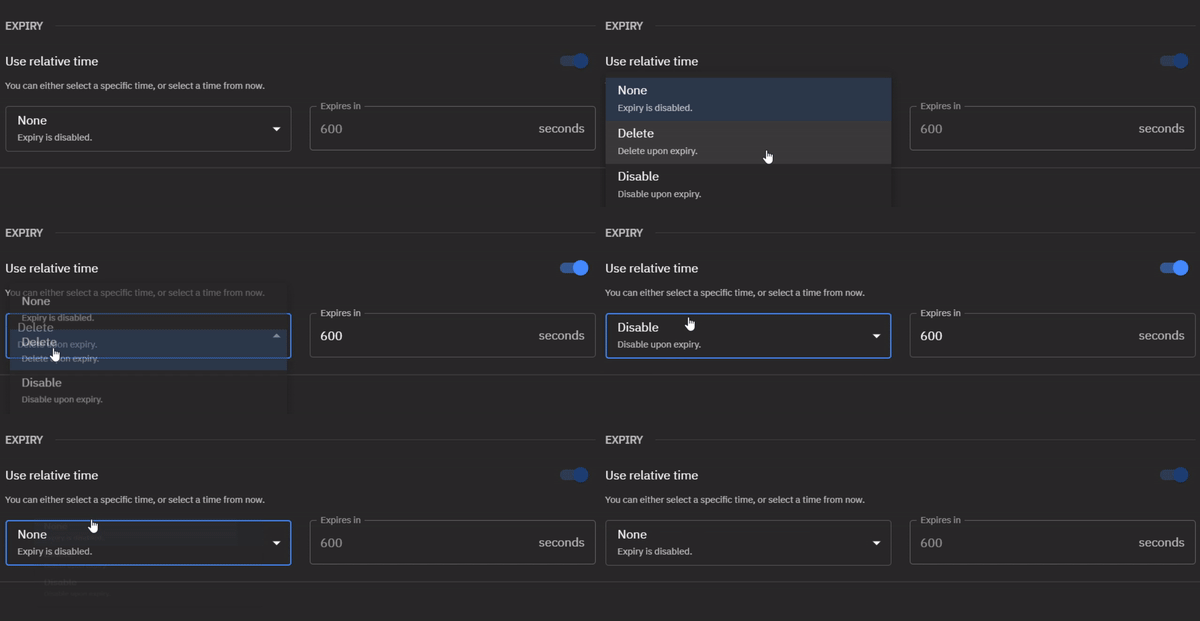
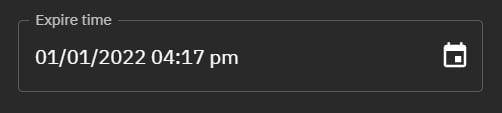
Expiry disables or deletes a command after a specific time or a selected time and date. Expiry is disabled by default.