

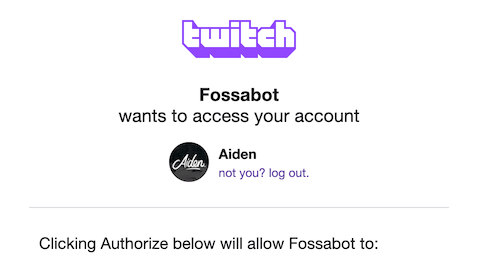
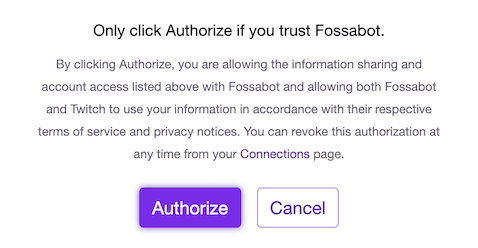
First-time setup
When you sign up for the first time, Fossabot opens a guided setup wizard on top of your dashboard. The wizard walks you through getting Fossabot into your chat, one step at a time:- Join your channel: Have Fossabot join your chat. You can also make Fossabot a moderator in the same click.
- Make Fossabot a mod: Fossabot needs moderator status to clear spam, time out chatters, and run your filters. Fossabot skips this step if it’s already a moderator.
- Link more channels: If you stream on more than one platform, link those channels so you can manage every chat from one dashboard.
- Import settings: If you’re coming from another bot, import your commands, timers, and spam filters.
- Learn the basics: Short introductions to commands, blocked terms, spam filters, and keywords.
- All set: Links to the Fossabot community for help, ideas, and updates.